Your photoRequired
2 free previews · no sign-up
Babydoll Dance AI Video Generator
Babydoll Dance AI puts you in the Jamie Miller Babydoll dance from one photo, side by side with a fictional partner. Add a second photo if you want your own partner; see a free still preview before you pay.
1 · Pick a trend
2 · Your photoBabydoll Dance
Add your photo
Add your photo
AI demo of a fictional person.
Photo tips · no celebrity or press photos
- Your own phone photo: you, or a friend or family member who agreed
- One person, face easy to see, good light
- Celebrity, press, poster or official team photos get blocked
- Sunglasses, heavy filters, dark or tiny faces look less like you
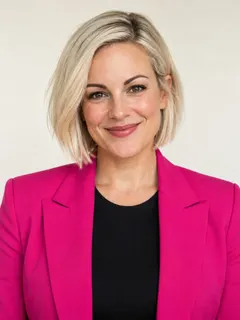
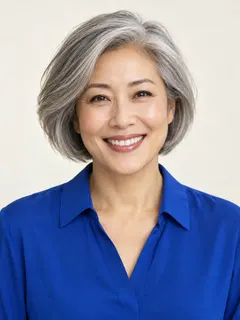

Add friends · optional, same price · empty seats stay AI musicians
Dance partnerAI musician
See a free preview before you pay · no sign-up
Babydoll Dance AI Video Example
Made from one photo
An AI demo of a fictional person, made with Staruna exactly the way your video is made. The MP4 comes with the trend’s sound.
What Is the Jamie Miller Babydoll Dance?
The Jamie Miller Babydoll dance is a side-by-side routine set to “Babydoll,” a song by Welsh singer Jamie Miller. The Babydoll trend spread on TikTok from September 2026, with couples, parents, and whole families doing the bouncy two-step in living rooms and backyards. The routine includes points at the camera, arm swings, and a turn. In November 2026, Miller posted his own versions with other people, sparking a second wave.
Our version is an AI dance video generator scene of our own: two dancers on a palm boulevard, about 15 seconds, ending with both walking up to the camera. Your photo replaces the dancer on the right; the other place is a fictional partner unless you add a second photo. Your face and the clothes from your photo carry over; AI-generated details can vary.
Staruna is an independent AI video service and is not affiliated with Jamie Miller, his label, TikTok, CapCut, or any creator who posted the dance.
How to Make the Babydoll Dance Video
Upload 1 to 2 photos
One person per photo, one photo per seat. The first photo is required; empty places are filled by our own fictional performers. Use photos of people who said yes.
See your free preview
A still of you in the scene, before you pay anything. Your first 2 previews are free and need no sign-up.
Get your video
A 15-second 9:16 MP4 for TikTok and Reels, made in the background. Failed videos go back to your balance.
Photo Tips for a Better Result
- Choose a clear, front-facing photoFace in full view, head and hair fully in frame. Skip sunglasses and masks.
- Try a full-body photoA dance shows your whole outfit, so a full-body photo gives the best result.
- Only photos you may useYou, or someone who agreed. Minors only with a parent or guardian. No celebrities or strangers.
- One person per photoCrop a group shot to one person before you upload it.
Price of One Video
Your first 2 previews are free and need no sign-up. A finished video is a one-time purchase, from $9.90; no subscription.
1 video
Single
$9.90
1 video
- 15-second vertical MP4
- Private playback, download and delete
3 videos
Trio
$19.90
3 videos
- 15-second vertical MP4
- Private playback, download and delete
5 videos
Squad
$29.90
5 videos
- 15-second vertical MP4
- Private playback, download and delete
One-time payments, no subscription. Unused credits never expire. If a video fails, its credits come back. A wholly unused pack can be refunded within seven days.
Questions people ask
Does the video have the song?
Yes. The video comes with the Babydoll song from the trend, ready to post on TikTok and Reels.
Can my partner be in it too?
Yes. Add a second photo for the dancer on the left; leave it empty and a fictional partner dances with you. The price is the same. The free still preview shows only you.
Will my outfit change in the video?
The video uses the clothes from your photo. AI-generated details can vary.
Do I need to know the dance steps?
No. Staruna uses your photo to put you in its own dance scene with a fictional partner.
Do I need the original TikTok video?
No. If you're making your own version of the TikTok trend, use one photo you have permission to use. Staruna provides the dance scene.
Do I need a CapCut template to make this?
No. You can make it on Staruna from one photo using Staruna's own dance scene.
Does this make a video of a dancing baby?
No. Baby Doll Dance AI is another spelling for this Babydoll dance effect. It puts the person in your photo into a dance scene with a fictional partner.
Can I use a photo of my pet?
No. This effect supports photos of people.
What if my free preview looks wrong?
If you have a free preview try left, try another photo you have permission to use. Choose a clear, front-facing shot with your face visible and your head and hair fully in frame.
What if my paid video fails?
If the video fails and is never delivered, the credits for that video are returned once.
Can I get a cash refund for an unused pack?
Yes, within 7 days, as long as the entire pack is unused.
Is it free?
Your first 2 previews are free and need no sign-up. They are for new visitors: once you have bought credits or made a video, you make videos directly. On a very busy day the free previews can run out until the next day. The full video is a one-time purchase from $9.90. No subscription.
How long does it take?
Usually 10 to 15 minutes. It renders in the background and we email you when it is ready.
What happens to my photo?
It is stored privately and sent only to the AI services that make your result: the image model for a free preview, the video model when you start the video. Photo drafts are deleted after 24 hours; finished videos stay in your account for 30 days, and you can delete them at any time.
Updated
More trends
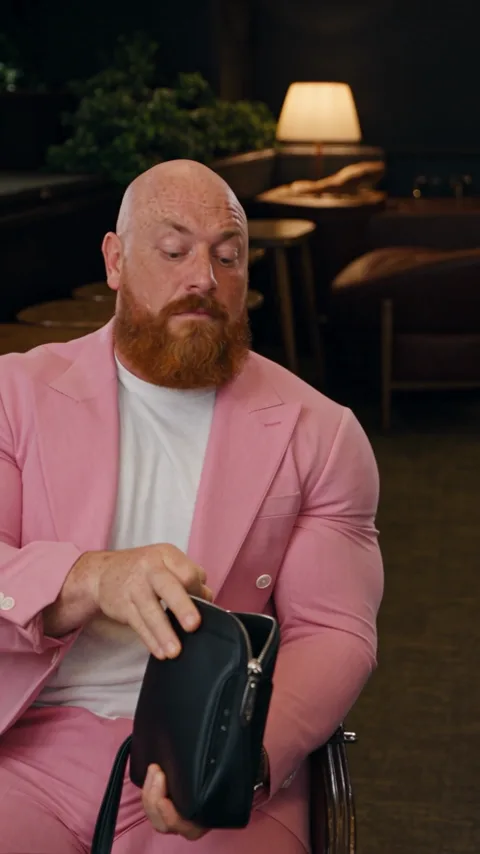
You Never Let Her Pay
Insist on paying, open the wallet, find a dish sponge. Now with your face.
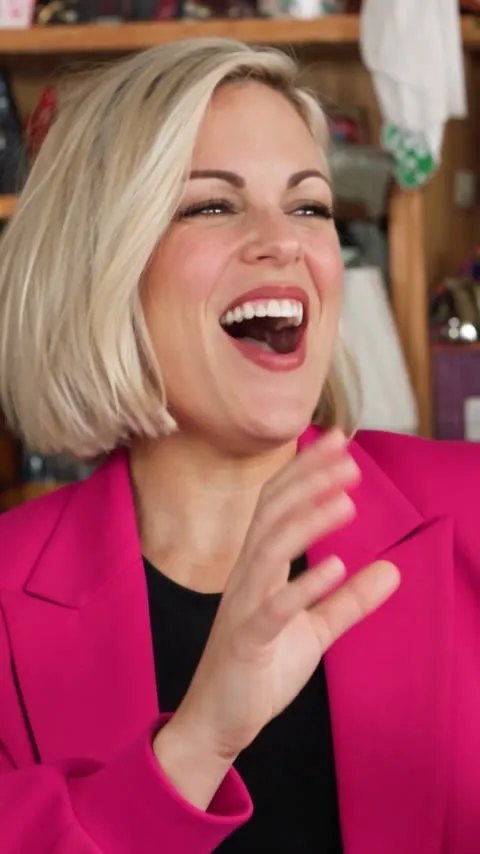
Tiny Desk Meme
Lead the Outstanding Tiny Desk band, with up to four friends behind you.
All Staruna trends · Pricing · How it works
staruna.com is an independent AI video service, not affiliated with or endorsed by TikTok, CapCut, or the creators, artists and brands behind the trends it features. Trend names belong to their owners. Every video is AI-generated from a photo its uploader is allowed to use.