1. Pick a trend and upload a photo
Open a trend below and add a clear photo of each person. One photo per person: one for a solo trend, up to 5 for a group trend like Tiny Desk Meme. You must have permission to use every photo.
Tutorial
To make an AI meme video, you need one clear photo and about a minute. Staruna adds you to the scene, the moves and the sound, and renders the video in the background. 2 free previews · no sign-up; finished videos from $9.90, one-time.
Updated
Open a trend below and add a clear photo of each person. One photo per person: one for a solo trend, up to 5 for a group trend like Tiny Desk Meme. You must have permission to use every photo.
A still of you in the trend’s scene, before you pay anything. Your first 2 previews are free and need no sign-up.
Sign in, pick a one-time pack (from $9.90, no subscription) and start. You can close the page; we email you when the video is ready. The MP4 already has the trend’s sound, so you can post it straight to TikTok or Reels.
A 12-second 9:16 video with the trend’s original sound. One person, one photo.
A 19-second 9:16 video with the trend’s original sound. 1 to 5 people, one photo each.
Watch the whole video before you share it. AI results vary from photo to photo, and no photo can guarantee a perfect likeness.
Finished videos stay in your account for 30 days. Download the MP4 to keep it, or delete it whenever you like.
This studio makes You Never Let Her Pay: upload one photo and see a free preview. The full video is 12 seconds, vertical, with the trend’s sound and no subscription.
Want a different trend? Tiny Desk Meme
Add your photo
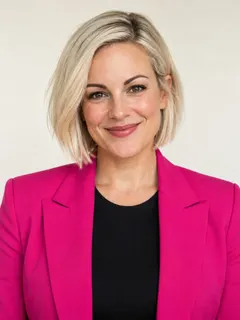
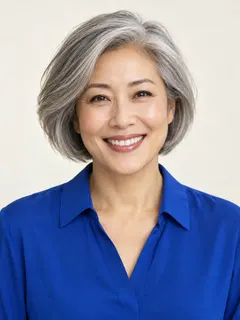

See a free preview before you pay · no sign-up
Usually 10 to 15 minutes. It renders in the background, and we email you when it is done.
No. The scene and the motion are fixed, so your photo is the only input.
The credits reserved for it come back to your account automatically.
staruna.com is an independent AI video service, not affiliated with or endorsed by TikTok, CapCut, or the creators, artists and brands behind the trends it features. Trend names belong to their owners. Every video is AI-generated from a photo its uploader is allowed to use.